"Saved in a newer version of Adobe Premiere Pro": open the project in the version you have
Premiere Pro can't open a project saved by a newer release, and Adobe has no Save As older version. Drop the .prproj below and you get a Final Cut Pro 7 XML of its sequences, which any Premiere from CS6 onward imports with File > Import. Cuts, tracks, clip names, media links and markers come across, but effects, Lumetri, graphics and speed ramps don't.
Last verified : XML from real projects saved by Premiere Pro CC 2017, 2020 and 2026 imported into Premiere Pro 26.5.2 on macOS. Older Premiere versions were not re-tested for this page.
Convert the project your Premiere won't open
Conversions …
Drop the .prproj that shows the newer-version error
Premiere, Resolve, Final Cut, Avid, CapCut, SRT, VTT and more · free up to about an hour of footage; short Premiere projects (up to 200 KB) convert free
Bigger files: $3 a file, $5 a project, or Pro. Pricing
Free for projects under 200 KB. Above that, $5 converts this project once (up to 50 MB, $15 up to 500 MB), to any format for 24 hours. Pricing
How to open the project in your Premiere
- Drop the .prproj. Drop the project file Premiere refuses onto the converter. The line under the file says which Premiere saved it, read from the version number in the project header.
- Check what carries over. Open "What this format keeps and changes" before you convert. After converting, the assessment lists what this particular project lost on the way.
- Convert and download the .xml. Press Convert, then download the .xml. A project under 200 KB is free. A bigger one is $5, paid once.
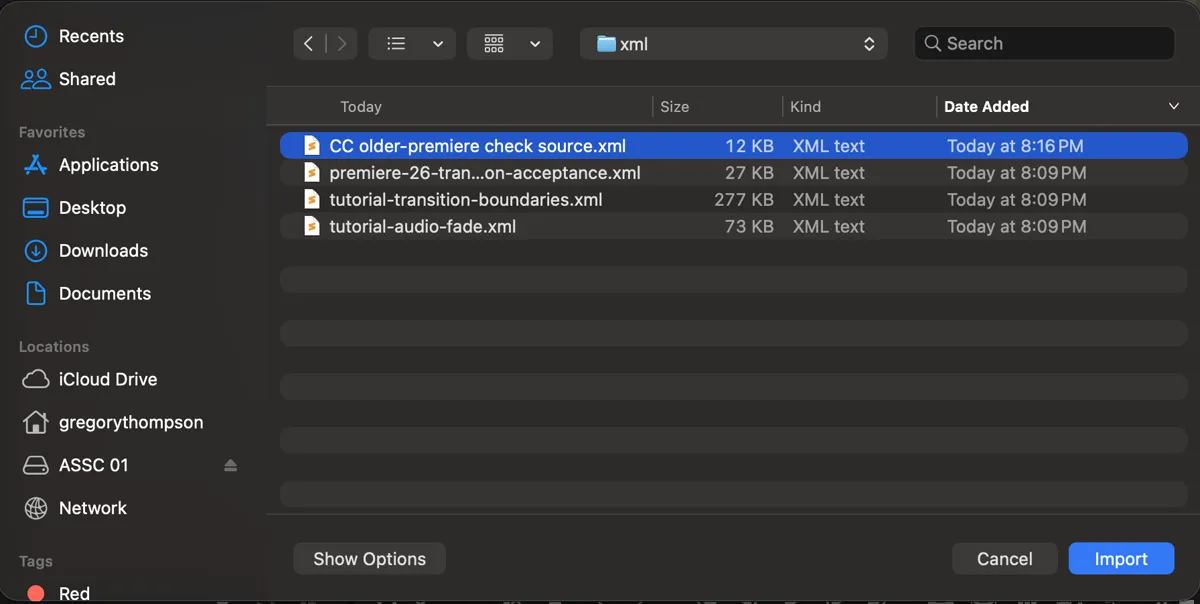
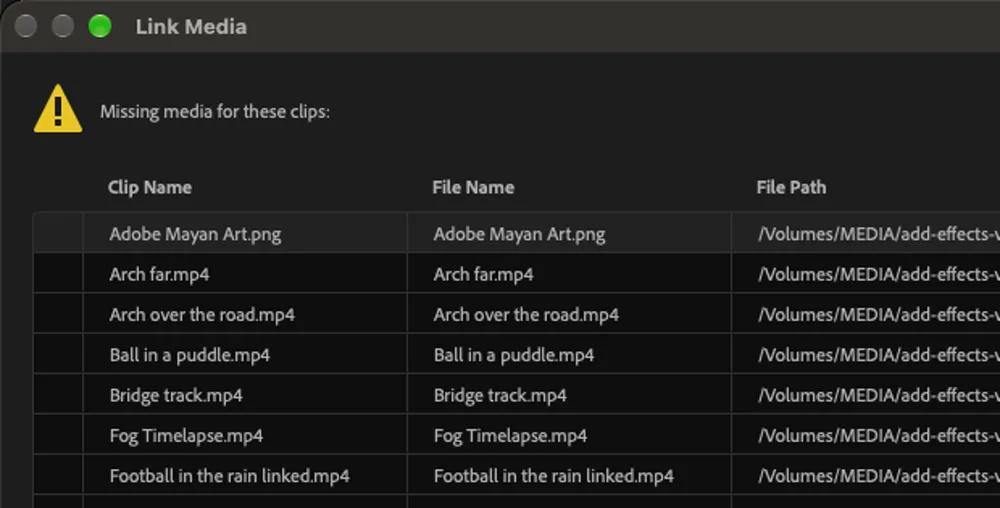
- Import the XML into your Premiere. In your older Premiere Pro, choose File > Import and pick the .xml. The sequences and their clips appear in the Project panel, in the bins they had. Open a sequence and relink any media Premiere asks for.
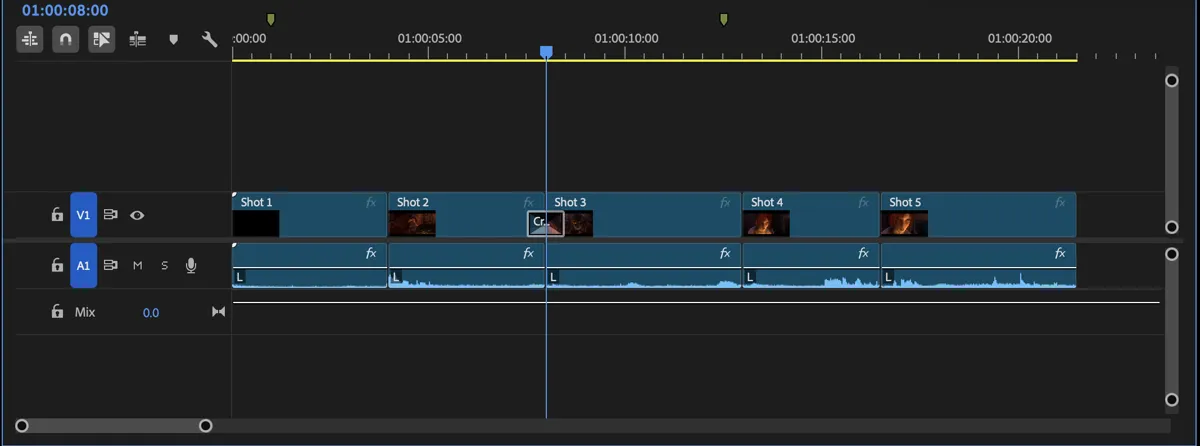
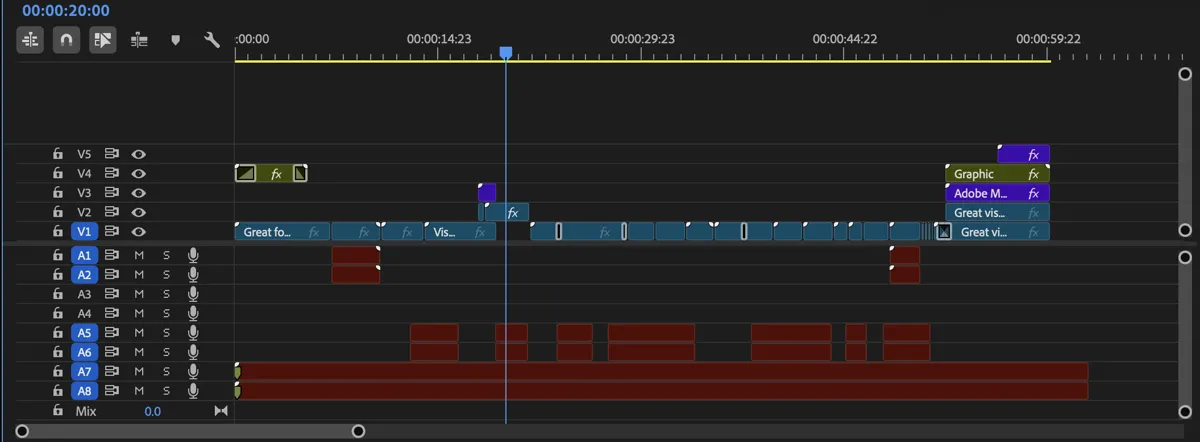
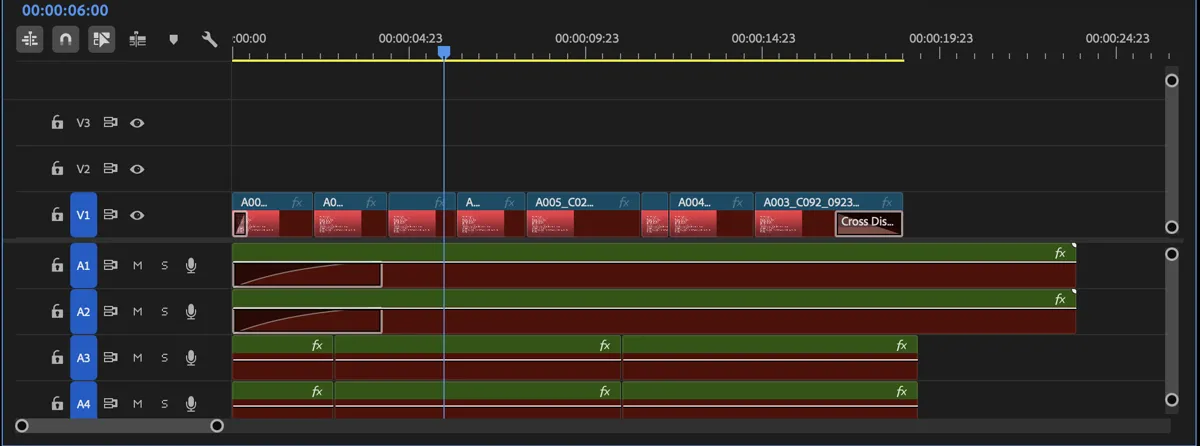
What carries over to the older version
FCP7 XML describes an edit, not a finished look. The older Premiere gets the cut back, and the creative layer has to be redone. The same limits apply to an XML exported from the newer Premiere itself.
| In the project | Comes across | Notes |
|---|---|---|
| Sequences, tracks and cuts | Yes | Every edited sequence, with its frame rate, frame size and start timecode. |
| Source in and out points | Yes | Frame-accurate, so the cut lines up with the original. |
| Clip names and media paths | Yes | Premiere relinks by path; Link Media asks for anything that moved. |
| Markers | Yes | Sequence and clip markers, with their names and comments. |
| Bins | Yes | The bins of the project, with the clips and sequences that were in them. |
| Cross dissolves and audio crossfades | Yes | Most other wipes come across as dissolves; the report names each one. |
| Clip volume | Yes | Clip gain and level keyframes. Track mixer settings fold into clip gain. |
| Nested sequences | Yes | Written as nests that point at their own sequences. |
| Motion and opacity keyframes | Partly | Keyframes come across; eased curves become linear or held steps. |
| Constant speed changes | Yes | Plain speed changes such as 50% or 200%. |
| Speed ramps (time remapping) | No | A ramp becomes constant-speed pieces. Redo the ramp in your Premiere. |
| Multicam clips | Partly | The angle you cut to comes across. The multicam nest with its other angles does not. |
| Titles and graphics | Partly | Basic text comes across as plain text. Essential Graphics and Motion Graphics templates do not. |
| Lumetri color | No | FCP7 XML has no way to describe a grade. The shots arrive ungraded. |
| Effects and plug-ins | No | Warp Stabilizer, blurs, keys and third-party effects are listed by name in the report, not converted. |
The converter names each loss for your file in its report. For the full rules behind this table, see what .prproj to XML keeps.
Which Premiere saved your project
The first line inside every .prproj carries a project format number. Premiere refuses a project whose number is higher than the one it writes. These are the numbers we have read from real projects, with the Premiere builds that saved them. A number not in this table shows on the converter as "project format v" and the number, because we won't guess a release we haven't seen.
| Project format | Saved by | Builds we have read |
|---|---|---|
| v45 | Premiere Pro 2026 | 26.0.0, 26.3.0, 26.3.2, 26.5.1, 26.5.2 |
| v43 | Premiere Pro 2025 | 25.3.0 |
| v41 | Premiere Pro 2023 | 23.5.0 |
| v38 | Premiere Pro 2020 | 14.3.0, 14.6.0 |
| v33 | Premiere Pro CC 2017 | 11.1.2 |
When you don't need this page
You can install the newer version. With a Creative Cloud subscription, the Creative Cloud app installs more than one Premiere side by side. On the Premiere Pro tile, open the three-dot menu, choose Other versions, and install the one that saved the project. Adobe explains it in Install previous versions of Creative Cloud apps. Adobe only offers recent versions there, so this works when your Premiere is the old one, not when the project is.
Someone has the newer Premiere. Ask them to open the project, select the sequences, and use File > Export > Final Cut Pro XML (Adobe's steps). You import that XML the same way, with the same losses as the table above. This page is for when nobody can open the file.
You can update your own Premiere. A newer Premiere opens older projects. It saves a converted copy and leaves the original alone. Adobe's project compatibility page covers how that works.
The version-number edit, and why it's risky
Forums and videos suggest this: a .prproj is gzip-compressed XML, so you open a copy with 7-Zip (or rename it to .gz and decompress it), lower the Version number near the top in a text editor, compress it again and rename it back to .prproj. Sometimes the older Premiere then opens it.
The number wasn't lying, though. The project still holds objects in the newer format, and the older Premiere doesn't know what they are. Depending on what the project uses, it opens cleanly, opens with parts missing, crashes on load, or opens and then damages the project when it saves. We don't recommend it and the converter never does it. If you try it anyway, work on a copy and treat whatever opens as read-only.
More on newer Premiere projects
The guide to opening a newer .prproj in an older Premiere walks through every option in more depth. If the error itself is what brought you here, what "saved in a newer version" means explains the check Premiere runs. And if the project is going to DaVinci Resolve rather than an older Premiere, use Premiere to Resolve, which writes a native Resolve project.
FAQ
Can an older Premiere Pro open a project from a newer version?
No. Premiere compares the version number in the project header with its own and refuses anything higher, even when the edit uses nothing new. The way across is FCP7 XML, which every Premiere from CS6 onward imports.
Is there a Premiere Pro version converter that saves an older .prproj?
Not one that writes a real older-format .prproj. Adobe has no Save As older version, and the tools that claim to downgrade only lower the version number in the file. This page converts the project to XML instead, which your Premiere rebuilds as a new sequence in a project of its own version.
Do I need the newer Premiere installed?
No. The converter reads the .prproj file itself, so nobody needs the Premiere that saved it. If someone does have that version, they can export the XML from Premiere with File > Export > Final Cut Pro XML and send it to you.
Will my effects and color grade come through?
No. FCP7 XML carries the edit: sequences, cuts, clip names, media paths, markers, dissolves and clip volume. Lumetri, effects, Essential Graphics and speed ramps stay behind, and the report lists what your project had.
How do I know which Premiere saved the project?
Drop it on the converter. The line under the file reads the project format number from the header and names the release when we have checked that number against real projects. Unchecked numbers show as "project format v" and the number.
What does it cost?
A project under 200 KB converts free, signed in or not. A bigger one is $5 once for files up to 50 MB, or $15 up to 500 MB, and that file then converts to any format for 24 hours.
Is it safe to edit the version number in the .prproj?
It is risky. The project still contains newer-format data, so the older Premiere may open it with pieces missing, crash on load, or damage the project when it saves. Only try it on a copy and treat whatever opens as read-only.
Related tools & converters
- The full guideEvery way to open a newer .prproj in an older Premiere, step by step.
- What the error meansWhy Premiere checks the version number and refuses the project.
- Premiere project to XMLThe same converter on its own page, for Resolve and other editors.
- Premiere to ResolveMove the project to DaVinci Resolve instead, tested on real projects.
- What .prproj to XML keepsThe conversion in detail, with what each part of a project becomes.
- Open a .prproj without PremiereGet the timeline out with no Adobe software at all.